
How Does OpenClaw Work? A Beginner's Guide
• Jiahao • 7 min read
Explain in detail how openclaw work.
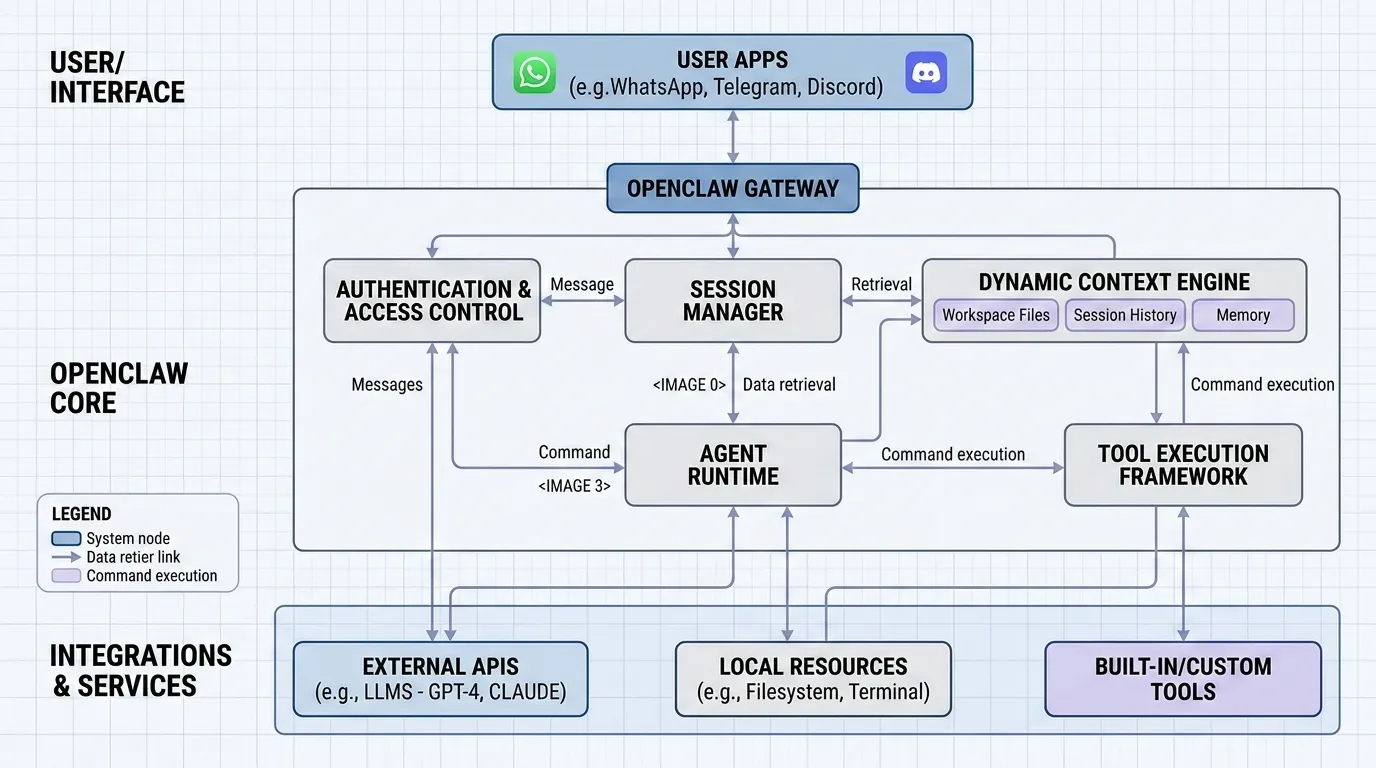
Explain in detail how openclaw work.
OpenClaw is an autonomous AI agent that runs on your own hardware—Windows, Mac, or Linux. It connects to your messaging apps (WhatsApp, Telegram, Discord, Slack, Teams, iMessage, Signal) and actually does things: runs shell commands, manages files, controls browsers, and executes scripts. Not just text generation—actual work.
Unlike cloud-based chatbots, OpenClaw keeps everything local. Your data, API keys, and what the agent does all stay on your machine. No third parties, no mysterious servers in who-knows-where.
Key Takeaways
The project exploded on GitHub—247,000 stars in a few months. That’s rare for developer tools.
OpenClaw is an open-source autonomous AI agent platform that runs locally on your own infrastructure. It was created by Peter Steinberger (founder of PSPDFKit) and launched in November 2025—originally called Clawdbot, then briefly Moltbot, before settling on OpenClaw.
It runs on Windows, macOS, and Linux—whatever you have lying around, whether that’s a laptop, a homelab, or a cheap VPS. Your data never leaves your machine. The agent connects to messaging platforms: WhatsApp, Telegram, Discord, Slack, Microsoft Teams, iMessage, and Signal. You talk to it however you already communicate with people.
The numbers got attention—60,000 GitHub stars in the first 72 hours, then 247,000 by March 2026. That kind of growth usually means you’ve hit a nerve. Around the same time, the same team launched Moltbook, a social network for AI agents talking to each other.
What makes OpenClaw different from a chatbot? It actually does stuff. Running shell commands, moving files around, controlling a browser, executing scripts—it has full system access. It also remembers things. Conversation history and your preferences get saved as local Markdown files, so it knows who you are and what you’ve discussed, even across sessions.
It’s MIT licensed. You bring your own API keys for Claude, GPT, or Gemini. Or skip the API entirely and run models locally. The community built over 100 skills already—web automation, smart home, development workflows, all that good stuff.
The architecture breaks down into four layers: communication, state management, model integration, and capability extension.
The Gateway is a WebSocket server on port 18789 (default). It’s the control plane for everything messaging-related.
Channel adapters handle the messy work of connecting to different platforms:
Each platform has its own auth method. WhatsApp wants a QR code scan. Telegram and Discord need bot tokens. Credentials get stored locally—your tokens, your problem.
The Gateway validates incoming messages against JSON Schema and keeps a typed WebSocket API. When you connect, you declare your role: “operator” for controlling the system, or “node” for exposing device capabilities.
Session keys decide who you’re talking to. The dmScope setting controls how conversations get grouped:
Memory lives as Markdown files in your workspace:
When you need the agent to remember something specific, memory_search uses vector embeddings to find relevant snippets. memory_get pulls exact file contents.
You pick your model with provider/model format. Authenticate with API keys or OAuth. OpenClaw plays nice with:
For custom providers, define baseUrl, apiKey, and model in models.providers. If you configure multiple keys and hit rate limits, it automatically rotates to the next one.
Native plugins are TypeScript modules loaded at runtime via jiti. They register:
The plugin system works in phases: manifest discovery → enablement validation → runtime loading → surface consumption. Tools live in a centralized registry—core tools and plugin-registered ones both expose typed schemas to the model.
Skills are reusable packages that let the agent do specific things—fetching weather, deploying code, managing your calendar—without you building everything from scratch.
A skill is just a directory with:
ClawHub has over 2,857 skills available: coding, writing, data analytics, DevOps, AI/ML, community tools, productivity workflows. Install one with a single CLI command, and it automatically links into your workspace.
Three places skills get loaded from, in order of priority:
Workspace skills override anything else with the same name—so you can customize behavior per-project while still benefiting from the shared library.
With skills, OpenClaw integrates into WhatsApp, Slack, IDEs, servers—whatever you need. It can handle calendar invites, process emails, monitor servers, write code. The agent remembers context over time and runs things in the background while you focus on something else.
Q1. What exactly does OpenClaw do that makes it different from regular chatbots? OpenClaw is an autonomous AI agent that runs locally on your computer and can perform actual tasks rather than just generating text responses. It can execute shell commands, manage files, browse the web, control applications, and maintain persistent memory of your conversations and preferences. Unlike browser-based assistants, it has full system access and can proactively work on tasks even when you’re not actively chatting with it.
Q2. Do I need expensive hardware like a GPU to run OpenClaw? No, you don’t need a dedicated GPU to run OpenClaw. The platform works on standard computers including Windows PCs, Macs, and Linux machines. While GPUs can speed up AI processing, modern systems with sufficient RAM can handle OpenClaw efficiently. You can run it on an old laptop, a Mac Mini, or even an affordable cloud VPS for as little as $5-10 per month.
Q3. Why did the project change its name from Clawdbot and Moltbot to OpenClaw? The creator, Peter Steinberger, settled on OpenClaw after initially naming it Clawdbot and briefly using Moltbot as an interim name. OpenClaw was chosen because it explicitly highlights the platform’s open-source nature while maintaining the “lobster lineage” theme. The final name was selected after checking trademark availability and securing relevant domains.
Q4. What are the main security risks I should know about before using OpenClaw? OpenClaw has significant security considerations since it runs with full system access. Major risks include publicly exposed servers that can leak API keys and chat history, prompt injection attacks where malicious commands hidden in emails or websites trick the agent, and potentially harmful community-created skills. You should never run OpenClaw on your primary computer, always use dedicated accounts separate from your personal ones, and avoid connecting it to password managers or sensitive services.
Q5. How much does it cost to run OpenClaw? While OpenClaw itself is free and open-source, you’ll need to pay for API access to AI models like Claude or GPT. Costs vary widely based on usage and model choice—some users report spending $10-40 per day with heavy use, while others keep costs under a dollar daily by using cheaper models for routine tasks and reserving expensive models like Claude Opus for complex reasoning. You can also use local models to eliminate API costs entirely.
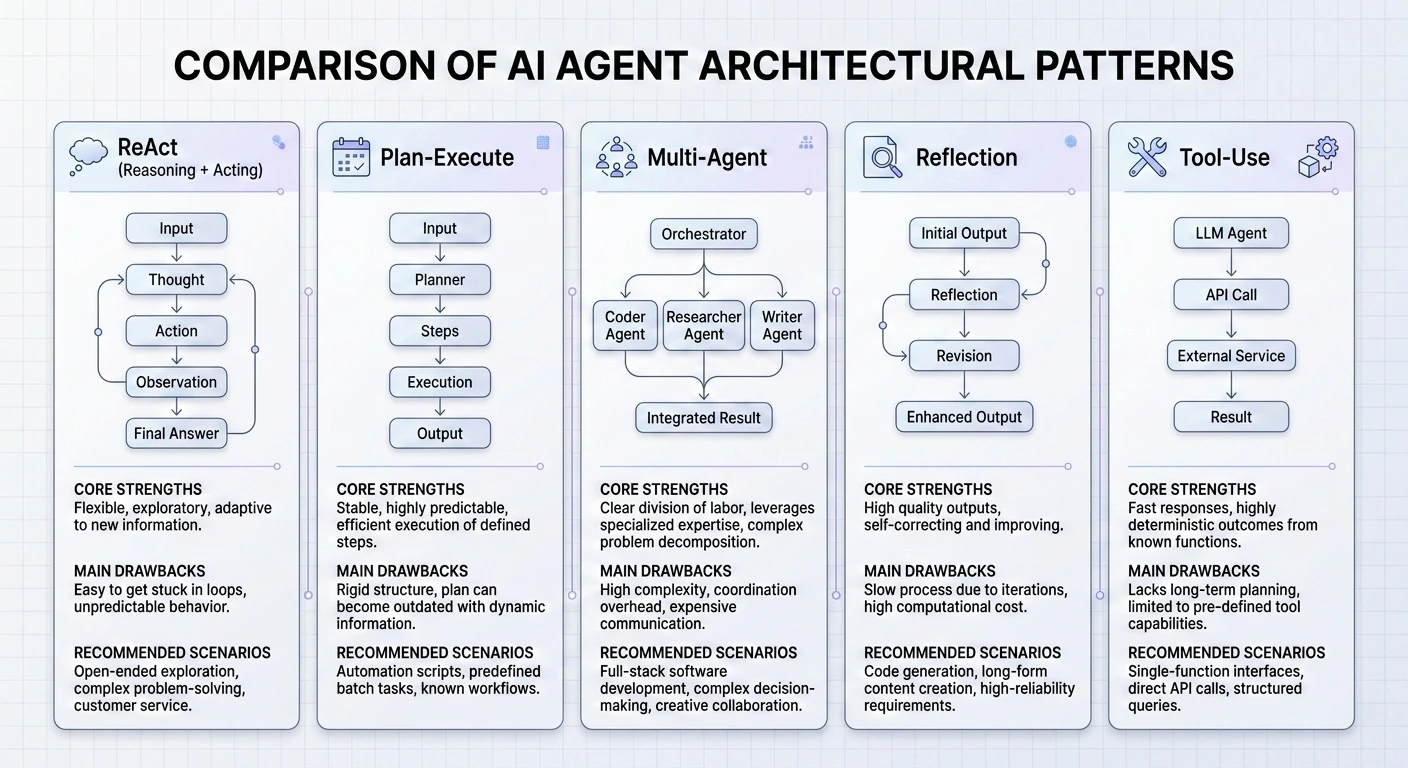
Master the 5 essential AI agent design patterns for 2026: ReAct, Plan-and-Execute, Multi-Agent, Reflection, and Tool Use.
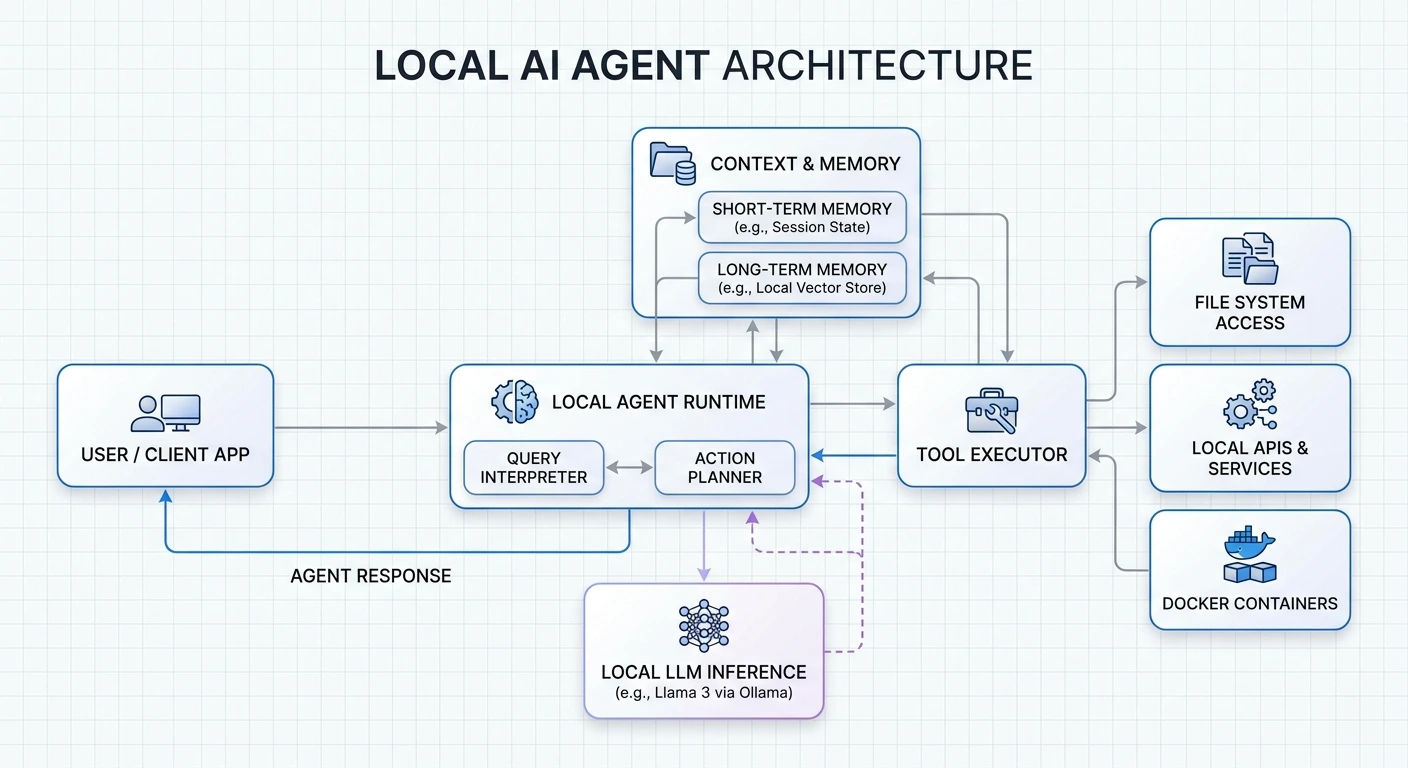
Learn how to build privacy-first AI agents that run entirely on your hardware.
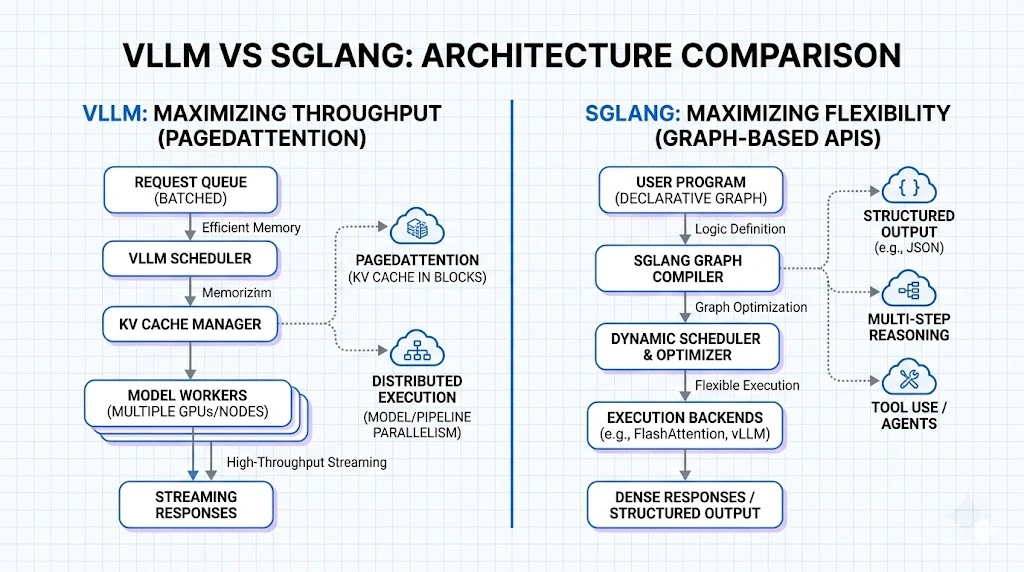
Compare vLLM and SGLang for enterprise AI deployment.
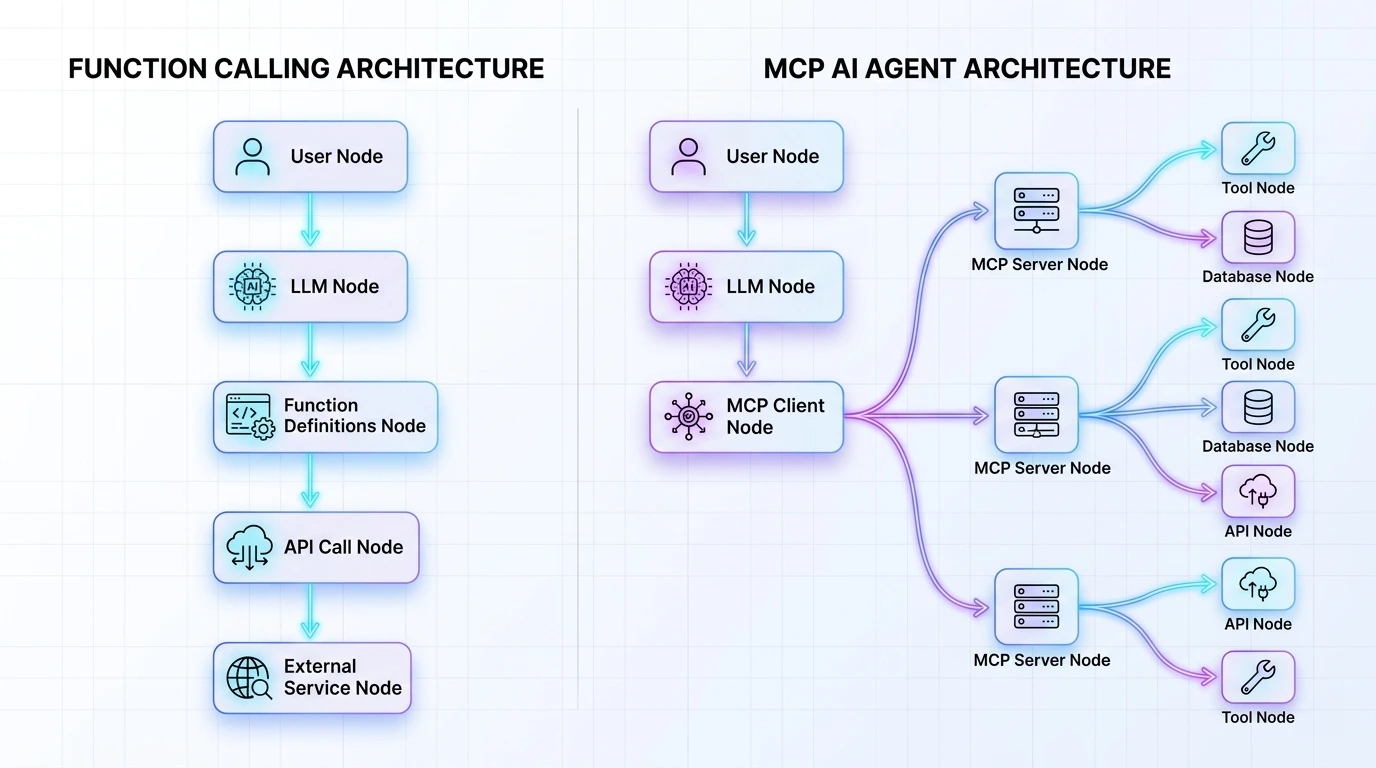
Learn how MCP provides scalable, secure AI tool integration.